
What Is a Temperature Excursion?
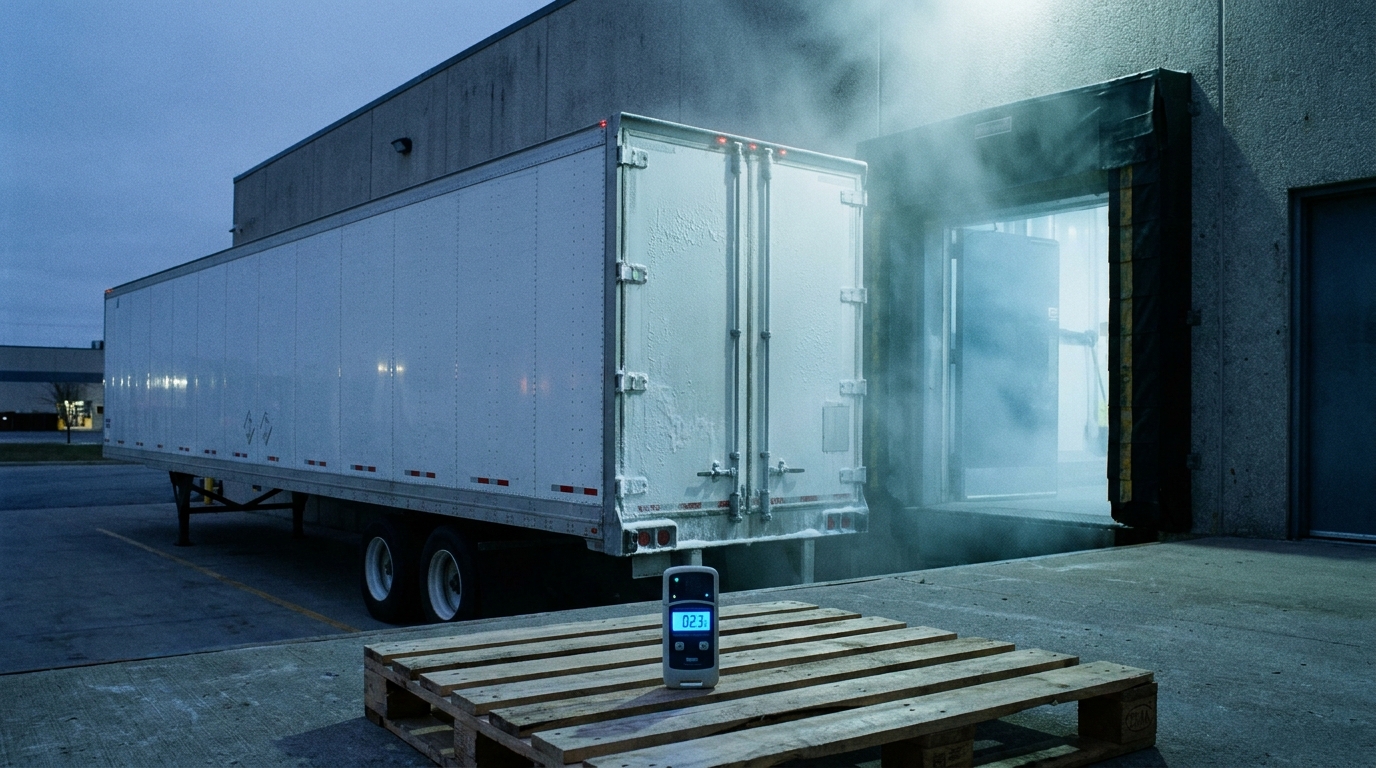
A temperature excursion is any period when a temperature-sensitive product moves outside the range it is approved to be stored or transported in. If a chilled pharmaceutical is validated for 2 to 8 degrees Celsius and a data logger records 11 degrees for two hours on a loading dock, that is a temperature excursion, whether or not the product looks or smells any different. The event matters because the product is now unproven until someone assesses it against its stability data and formally decides to release or reject it. In a cold chain, the excursion, not the visible spoilage, is the thing you manage.
Key takeaways
- A temperature excursion is product going outside its approved range, not necessarily product being ruined.
- Most excursions start at handoffs: dock dwell, equipment failure, packaging failure, and handling gaps.
- You detect excursions with calibrated data loggers and real-time monitoring, not by spot checks or by feel.
- The correct response is a sequence: quarantine, assess against stability data, document, then disposition.
- Monitoring records excursions; disciplined equipment, scheduling, packaging, and training are what prevent them.
What counts as a temperature excursion?
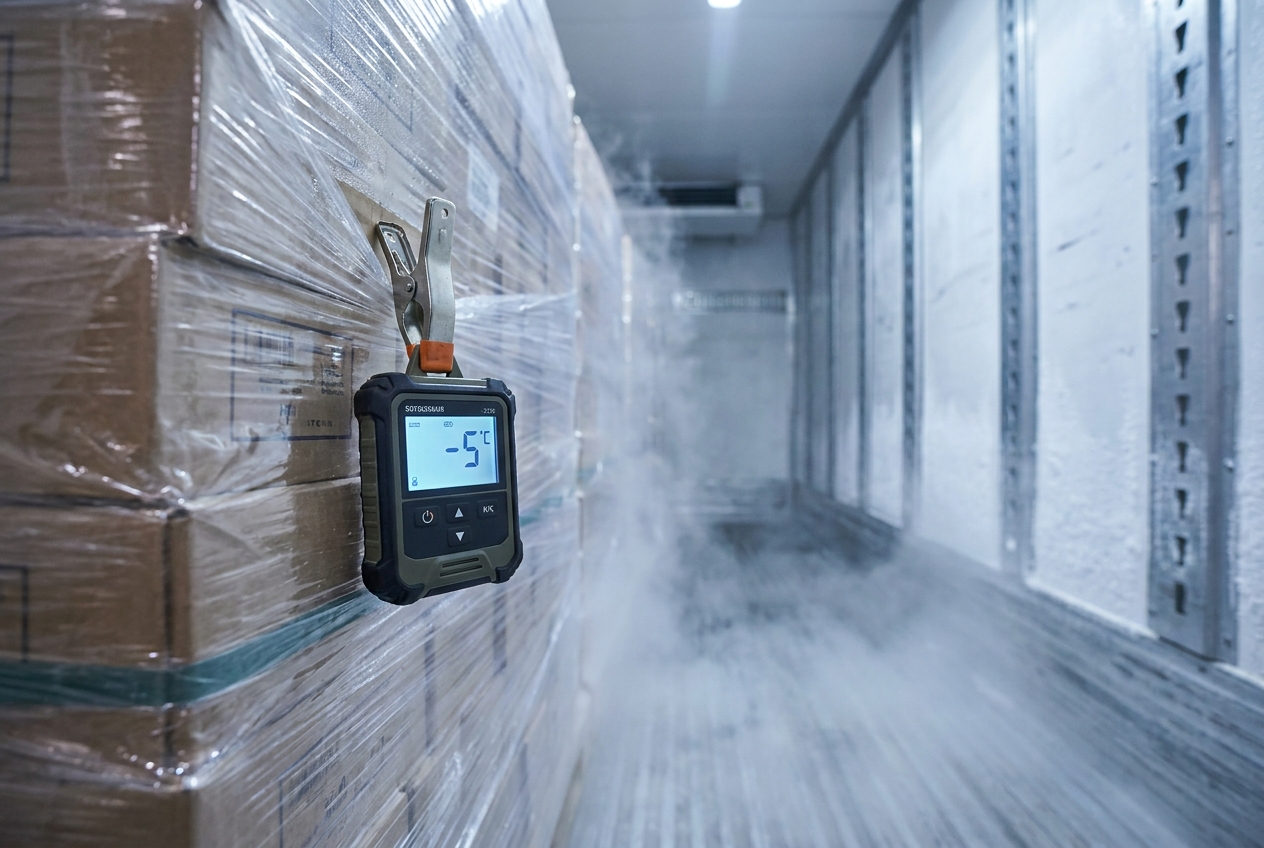
An excursion is any reading outside the product's approved band, high or low, for any length of time. It is defined by the product's own limits, not by a universal number. Frozen goods usually need to stay at or below roughly minus 18 degrees Celsius, refrigerated and chilled products sit in narrower windows, and each pharmaceutical or biologic carries its own validated range on the label. Because the limits differ by product, the same 6 degree reading can be perfectly compliant for one load and a serious excursion for another. If you are still setting the bands for a facility or a lane, our guide to cold storage temperature ranges lays out the common categories.
Two things make excursions less black and white than they sound. Small deviations are not automatically fatal, which is why quality teams use stability data and mean kinetic temperature to judge cumulative exposure rather than a single spike. And an excursion can be a low-temperature event: a refrigerated product that freezes because a reefer was set too cold has excursed just as surely as one that warmed up.
What causes a temperature excursion?
Most excursions happen at transitions, not in steady-state storage. The freezer holding temperature overnight is rarely the problem; the pallet sitting on a warm dock, the handoff between carrier and warehouse, or the failed reefer unit at 2 a.m. is where the range gets breached. The four recurring causes are dock dwell, equipment failure, packaging failure, and handling gaps.
| Cause | What it looks like | Primary prevention |
|---|---|---|
| Dock dwell | Product staged on an ambient dock while paperwork, appointments, or trailers are sorted out | Tight appointment scheduling, refrigerated staging, minimize door-open time |
| Equipment failure | Reefer unit fault, warehouse compressor down, defrost cycle overshoot, power loss | Preventive maintenance, pre-cooled trailers, alarms, backup power |
| Packaging failure | Wrong insulation, too few or thawed gel packs, under-filled or over-filled shippers, opened parcels | Qualified packouts, validated shippers, correct coolant quantity for transit time |
| Handling gaps | Product left off the reefer, loaded warm, mixed with ambient freight, or delayed at a hub | Trained handlers, clear SOPs, load sequencing, continuous custody monitoring |
These causes stack. A late appointment (handling gap) leads to a long dock wait (dock dwell) in summer heat, and a marginal packout (packaging failure) that would have survived a short transit now excurses. Deciding which link failed is exactly why documentation at each handoff matters.
How do you detect a temperature excursion?
You detect excursions with calibrated data loggers and continuous monitoring that record the product's actual temperature over time, not with a probe reading taken once at receiving. A logger travels with the load and captures a timestamped history, so you can see not just that a breach happened but when, for how long, and how far outside the band. Real-time or connected monitoring goes further by alarming while the load is still in transit, which is what lets a team react before the whole shipment is lost instead of discovering the problem days later.
Good detection depends on a few practical details: loggers must be calibrated and placed where they represent the product rather than the air near a vent, the sampling interval has to be short enough to catch a real spike, and someone has to actually review and act on the alarms. Spot checks and driver assurances are not detection. For how to specify and run this properly, see our guide to temperature monitoring in cold storage, and confirm any provider you are evaluating in the cold storage and warehousing directory can hand you clean, continuous data on request.
What should you do when an excursion happens?
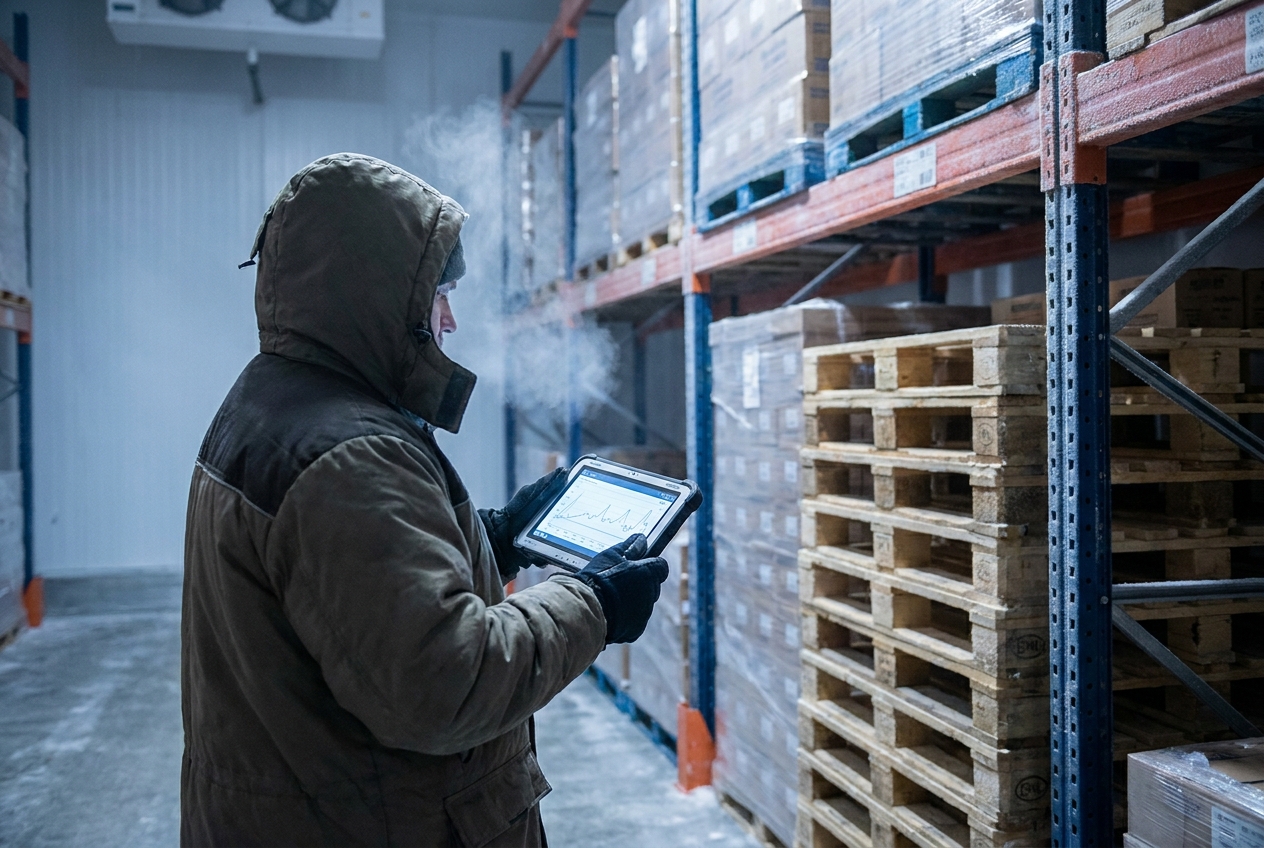
When an excursion is flagged, follow a fixed sequence rather than making a judgment call in the moment: quarantine, assess, document, disposition. Each step protects both the product and the record you will need if there is a dispute.
- Quarantine. Stop the product from moving or being sold, and physically or systematically hold it so no one ships or uses it before it is cleared.
- Assess against stability data. Compare the excursion's duration and severity to the product's documented limits and manufacturer guidance. This is where mean kinetic temperature and stability budgets decide whether the product is still fit for use.
- Document. Record the logger data, the times, the custody at the moment of the breach, and the assessment reasoning. An excursion with no paper trail is treated as a total loss because it cannot be defended.
- Disposition. Formally release, rework, or reject the product based on the assessment, and close the record. Only after disposition does the held product move again.
The order matters. Releasing product before assessment defeats the point, and assessing without documentation leaves you unable to prove the decision was sound. In regulated food and pharmaceutical chains, this workflow ties directly to the traceability and preventive-control expectations under the FDA's Food Safety Modernization Act.
A worked example: two hours on a summer dock
Say a refrigerated load approved for 2 to 8 degrees Celsius is delivered to a distribution center on a July afternoon. The appointment slips, the trailer waits, and the pallets are staged on an ambient dock at 30 degrees for two hours before anyone puts them in the cooler. The data logger, sampling every five minutes, shows the product climbing to 11 degrees and holding there for roughly 90 minutes before it comes back down in the chiller.
That is an excursion of about 3 degrees above the ceiling for an hour and a half. It is not automatically ruined and not automatically fine. The receiving team quarantines the pallets, pulls the logger file, and sends the time-and-temperature profile to quality, who compares it against the product's stability allowance. The load is dispositioned on that basis, and the dock-dwell root cause feeds back into tighter scheduling. The number on the logger is the start of a decision, not the decision itself.
How do you prevent temperature excursions?
Prevention is about protecting the transitions, because that is where excursions start. The controls are mostly operational: maintain and pre-cool equipment, schedule tightly to kill dock dwell, qualify packaging for the real transit time, and train the people doing the handoffs. Monitoring is a safety net, not a preventive control; it tells you a control has failed but does not keep product cold.
| Prevention control | What good looks like |
|---|---|
| Equipment discipline | Preventive maintenance on reefers and compressors, pre-cooled trailers before loading, alarms and backup power on critical rooms |
| Dock and scheduling | Firm delivery appointments, refrigerated or covered staging, minimized door-open and dwell time |
| Packaging and packout | Validated shippers and coolant sized to the longest realistic transit, verified pack sequence, no ambient mixing |
| People and process | Trained handlers, written SOPs, clean custody documentation at every handoff, defined excursion response |
Energy-efficient, well-maintained refrigeration also holds temperature more reliably under load, and the US EPA's Energy Star resources are a reasonable starting point for benchmarking cold storage equipment. When you are choosing a partner, treat excursion handling as a contract term: ask how they monitor, how fast they alarm, and who owns the loss when a breach occurs. Our broader guides to cold chain logistics and the tighter requirements in a pharmaceutical cold chain walk through those questions in depth, and a working cold transport checklist for food shippers turns the prevention table above into a pre-ship routine.
The bottom line on temperature excursions
A temperature excursion is not a synonym for spoiled product. It is a defined event, product outside its approved range, that starts a required workflow. Catch it with real monitoring, respond with quarantine, assessment, documentation, and disposition, and prevent it by controlling the handoffs where cold chains actually break. Shippers who treat excursions as a managed process rather than an emergency lose less product and can prove, every time, that the product they released was fit to use.
Frequently asked questions
What is a temperature excursion in cold chain shipping?
It is any period when a temperature-sensitive product goes above or below its approved storage or transport range. The product does not have to be visibly damaged. Once it has been outside the range, it is considered an excursion until it is assessed against the product's stability data and formally released or rejected.
Does a temperature excursion always mean the product is ruined?
No. Many products tolerate short, minor deviations, which is why stability data and mean kinetic temperature exist. The excursion triggers an assessment, not automatic disposal. Some product is released, some is rejected, and the decision depends on the excursion's duration and severity against the product's documented limits.
How long can a temperature excursion last before product is affected?
It depends entirely on the product and the size of the deviation. A vaccine may have a tight cumulative allowance, while a frozen food load may tolerate a longer, smaller drift. The only defensible answer comes from the manufacturer's stability data and label instructions, not a general rule of thumb.
Who is responsible when a temperature excursion happens in transit?
Responsibility follows the contract and the point of custody. The party that controlled the product when the deviation occurred, whether a carrier, a cold storage warehouse, or a 3PL, is usually accountable, which is why continuous monitoring and clean handoff documentation matter. Spell out excursion handling and liability in the service agreement before you ship.
What is the difference between a temperature excursion and a temperature deviation?
The terms are often used interchangeably. Both describe product leaving its approved range. Some quality systems reserve deviation for the formal record raised to investigate an excursion. In practice, treat any reading outside the allowed band as an event that must be logged, assessed, and dispositioned.
Do data loggers prevent temperature excursions?
No. Loggers and monitoring detect and document excursions; they do not prevent them. Prevention comes from equipment maintenance, pre-cooled trailers, tight dock scheduling, correct packaging, and trained handling. Monitoring tells you when a control has failed so you can respond before more product is lost.
Ready to compare providers?
Search the directory by service and location, save options to your shortlist, and send a clear RFQ.
Related guides
Frozen Food Logistics: Storage and Transport
How frozen food moves from blast freezing and cold storage through reefer transport to last-mile delivery, plus how to choose a frozen 3PL.
Cold Chain Packaging: Gel Packs, Dry Ice, and PCMs
How cold chain packaging works: the refrigerants, insulation, and qualification steps that keep a shipment inside its temperature band from pickup to delivery.
Pharmaceutical Cold Chain: A Compliance Guide
How the pharmaceutical cold chain keeps drugs within validated temperature bands, from 2-8C refrigerated to ultra-cold, under Good Distribution Practice.